

Prerequisites
You need to be an owner of the GitLab group you want to connect to Hacktron. This is required to create a service account for Hacktron to use.Configure access
1
Open Service Accounts page
In GitLab, under the group you want to connect to Hacktron, go to
Settings and select Service Accounts.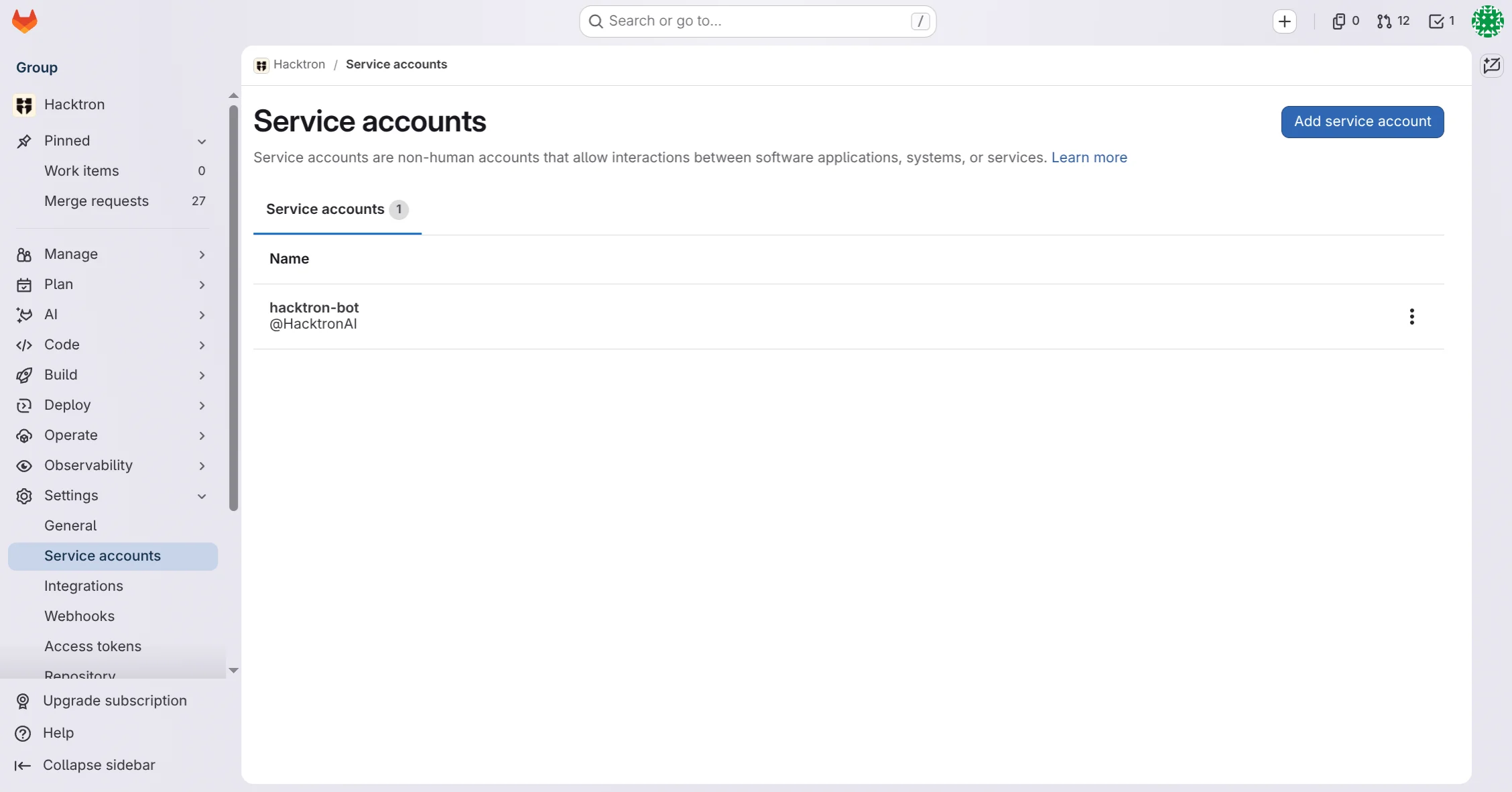
2
Create a new service account
Give the service account a descriptive name, e.g. “Hacktron”.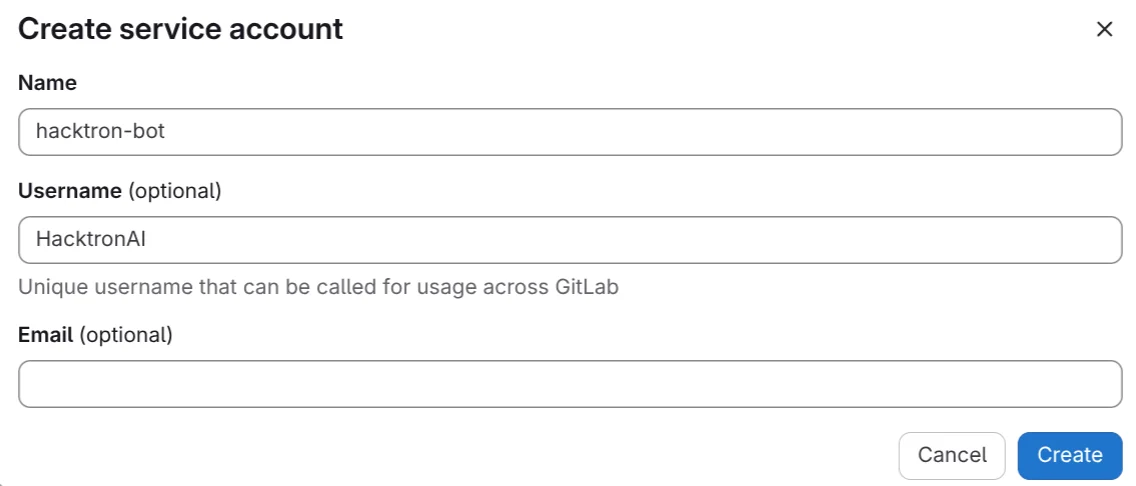
3
Grant Maintainer access to the service account
In the Group or Projects you want to connect to Hacktron, grant the
service account Maintainer access.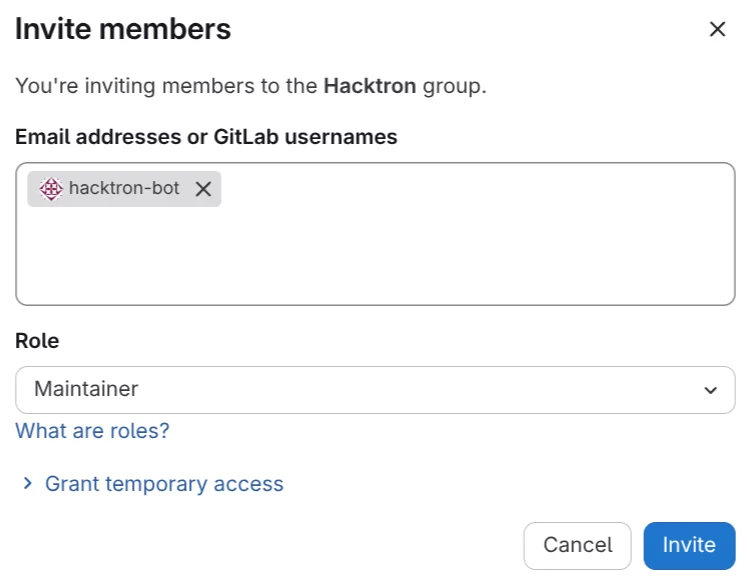
4
Create a new personal access token
In the service account page, select the service account and click on
Manage access tokens.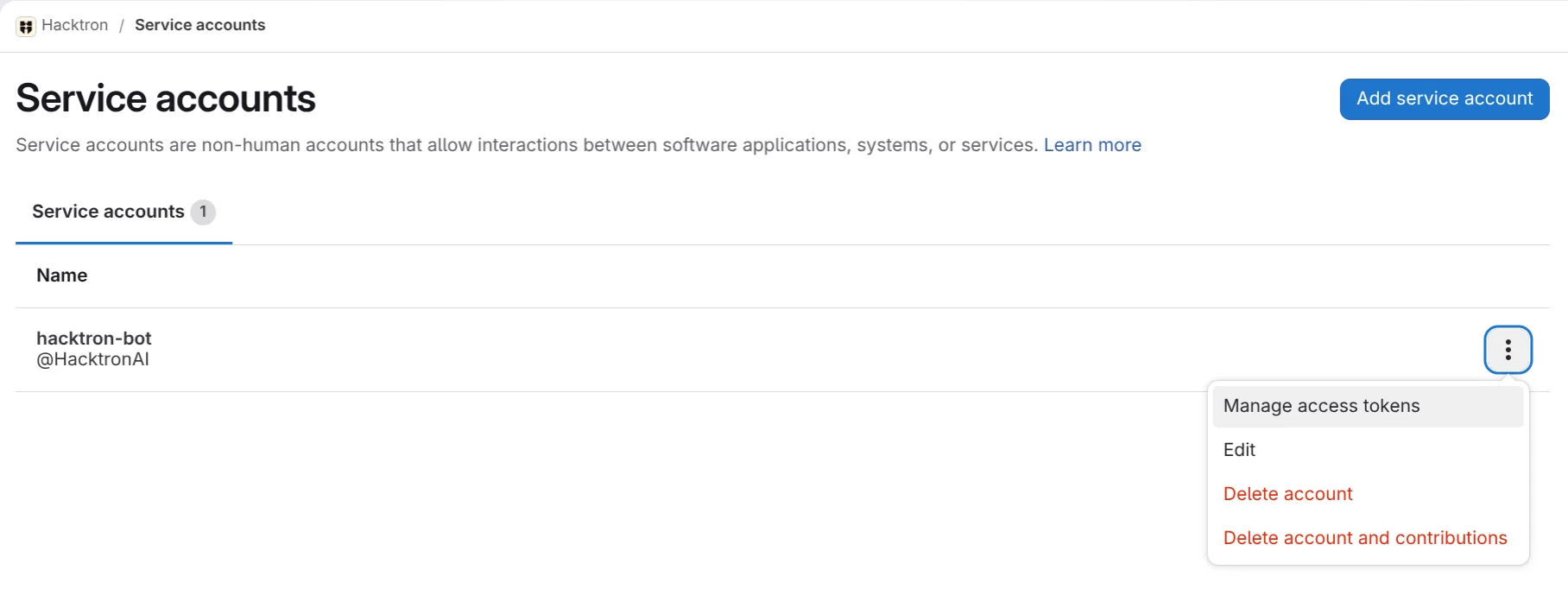
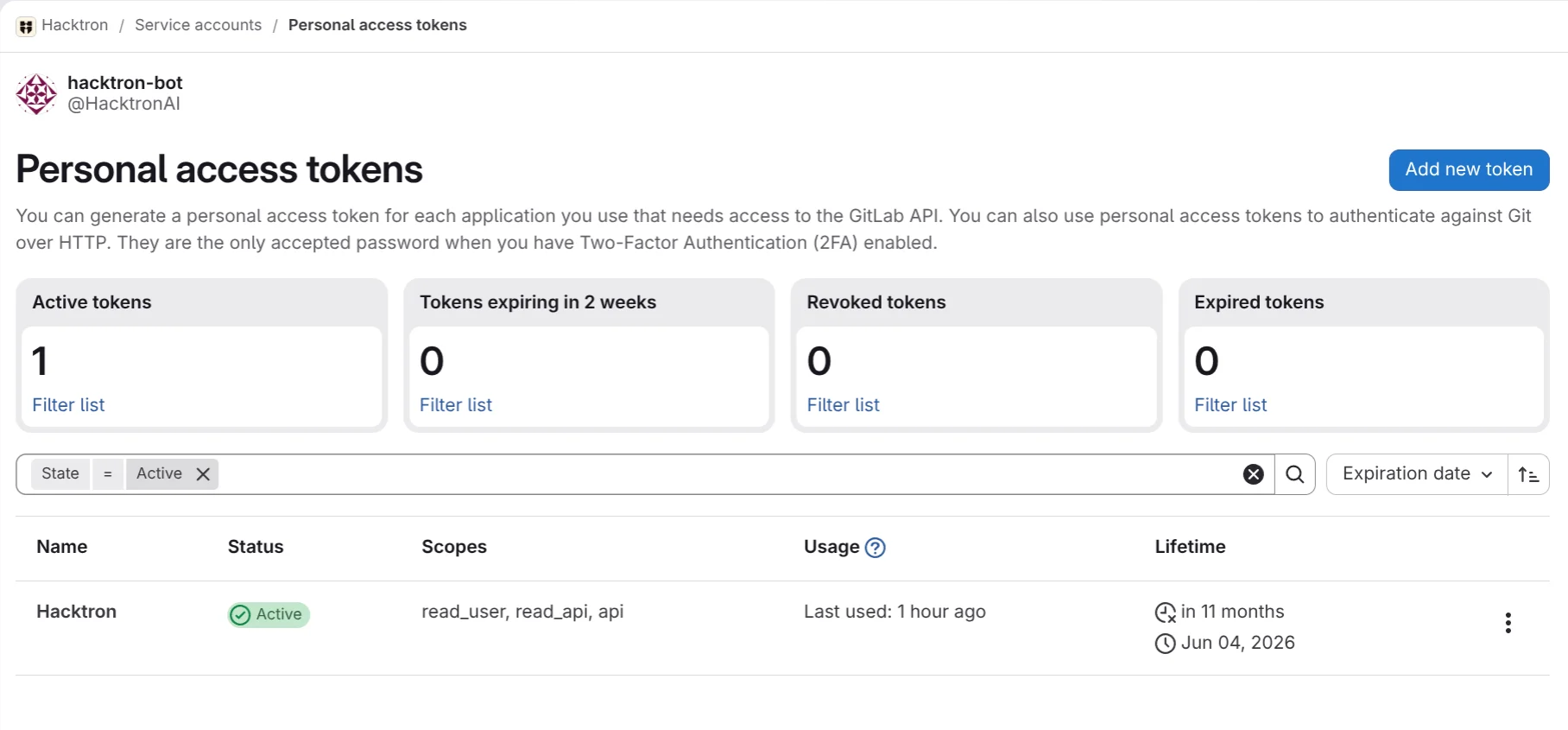
api scope:api
The
api scope is required because Hacktron registers merge-request
webhooks on your projects (a write operation) to receive events and run
code reviews. Hacktron does not retain any source code after each review
is complete.5
Open Integrations page
In Hacktron, go to Integrations and click Connect under GitLab.
6
Enter the token
Enter the token you created earlier, and click Connect.
Self-hosted GitLab / GitLab Enterprise
Hacktron supports self-hosted GitLab and GitLab Enterprise through the same Personal Access Token flow described above. The only difference is one extra step when you connect. Follow the same Configure access steps to create a service account (Settings → Service Accounts), grant it Maintainer access, and generate a token from the service account’s Manage access tokens with theapi
scope.
On self-managed GitLab, service accounts require GitLab EE, and by default
only an instance administrator can create them (administrators can also allow
top-level group Owners to create them). Alternatively, a personal access token
from any user with Maintainer access and the same scopes works identically.
https://gitlab.example.com) before entering the token.
Self-hosted prerequisites: - Your GitLab instance must be reachable from
Hacktron over HTTPS with a valid TLS certificate. - GitLab installed under a
URL subpath (e.g.
https://example.com/gitlab) is not supported — the base
URL must be the instance origin. - The token must carry the api scope on
your self-hosted instance.