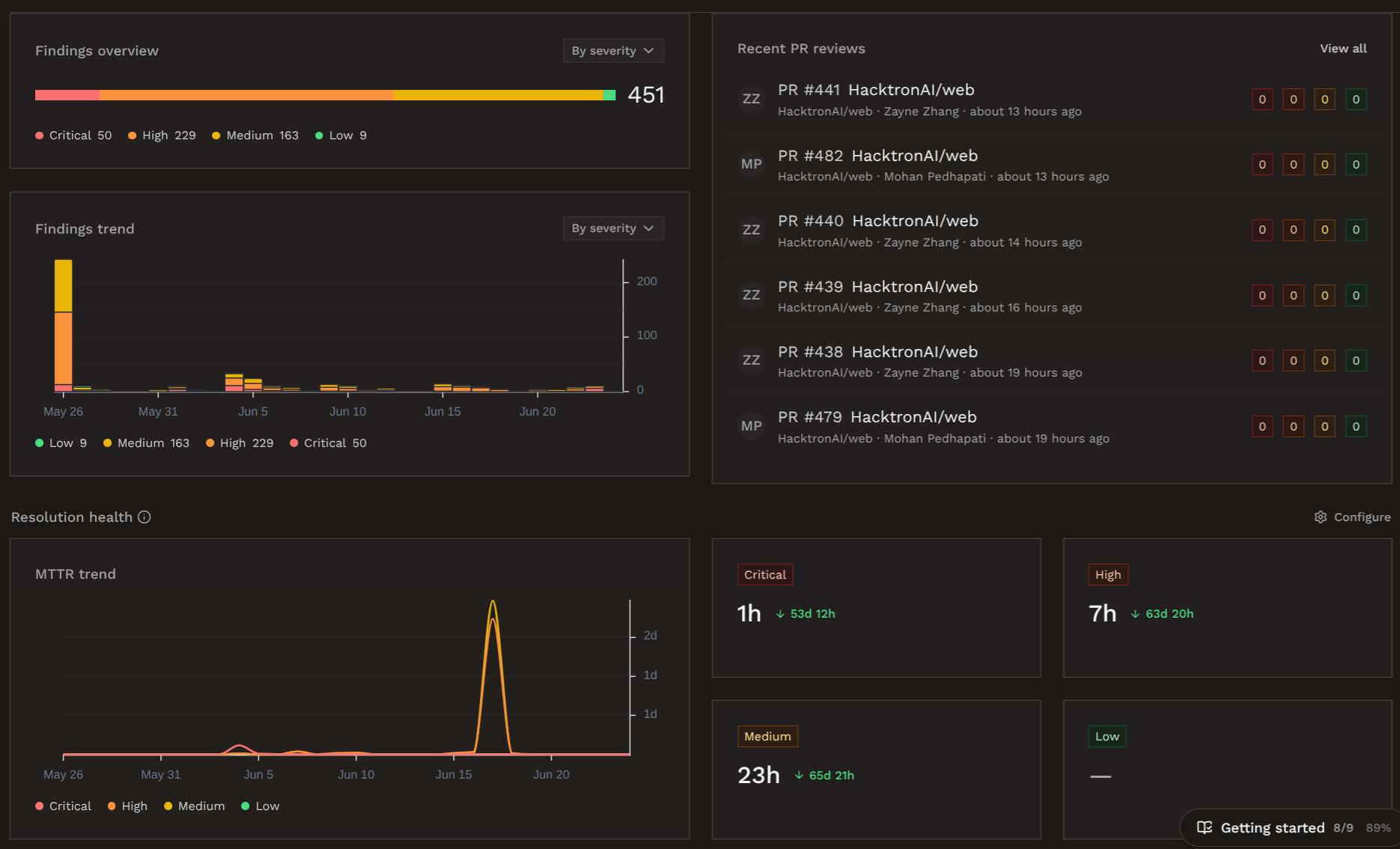
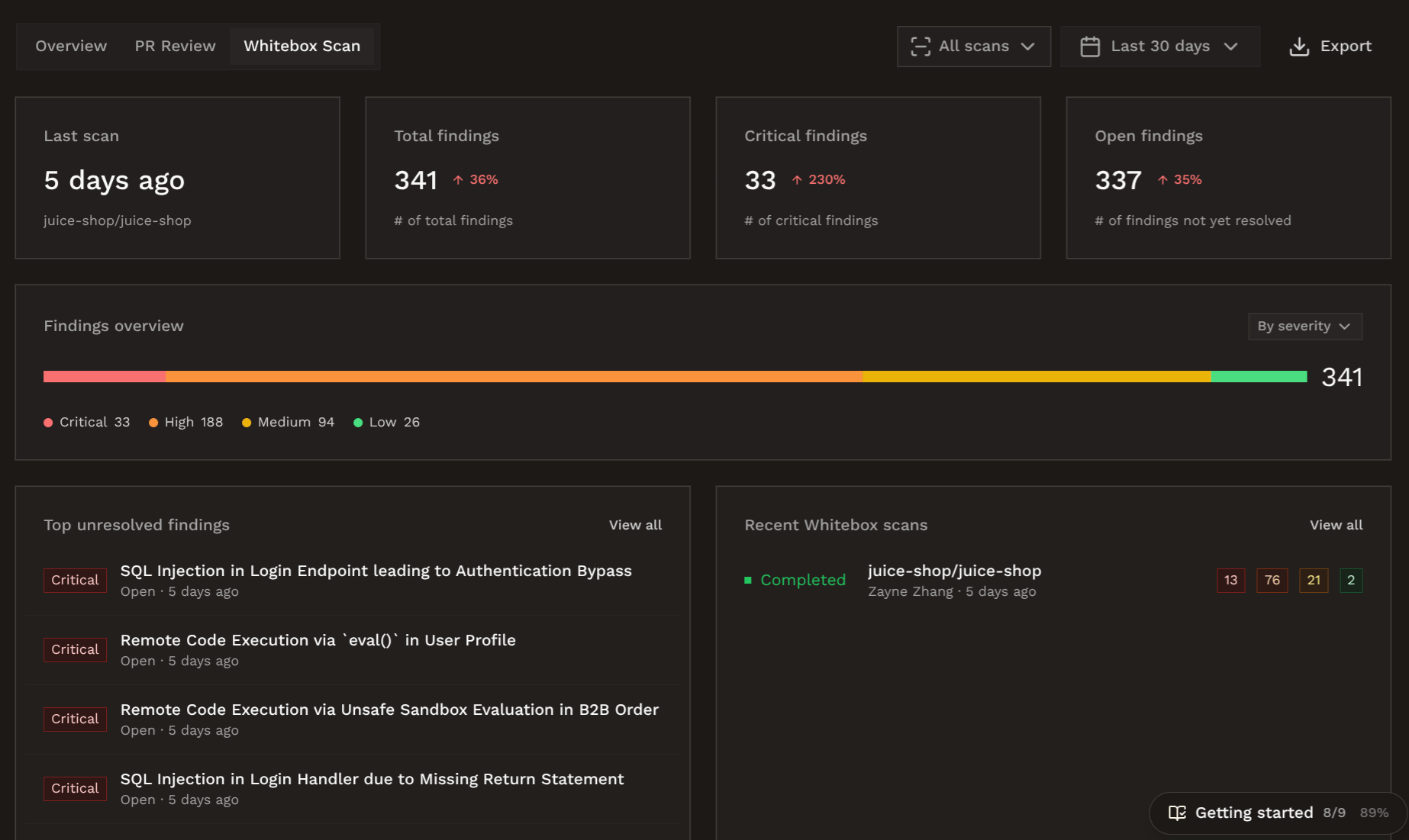
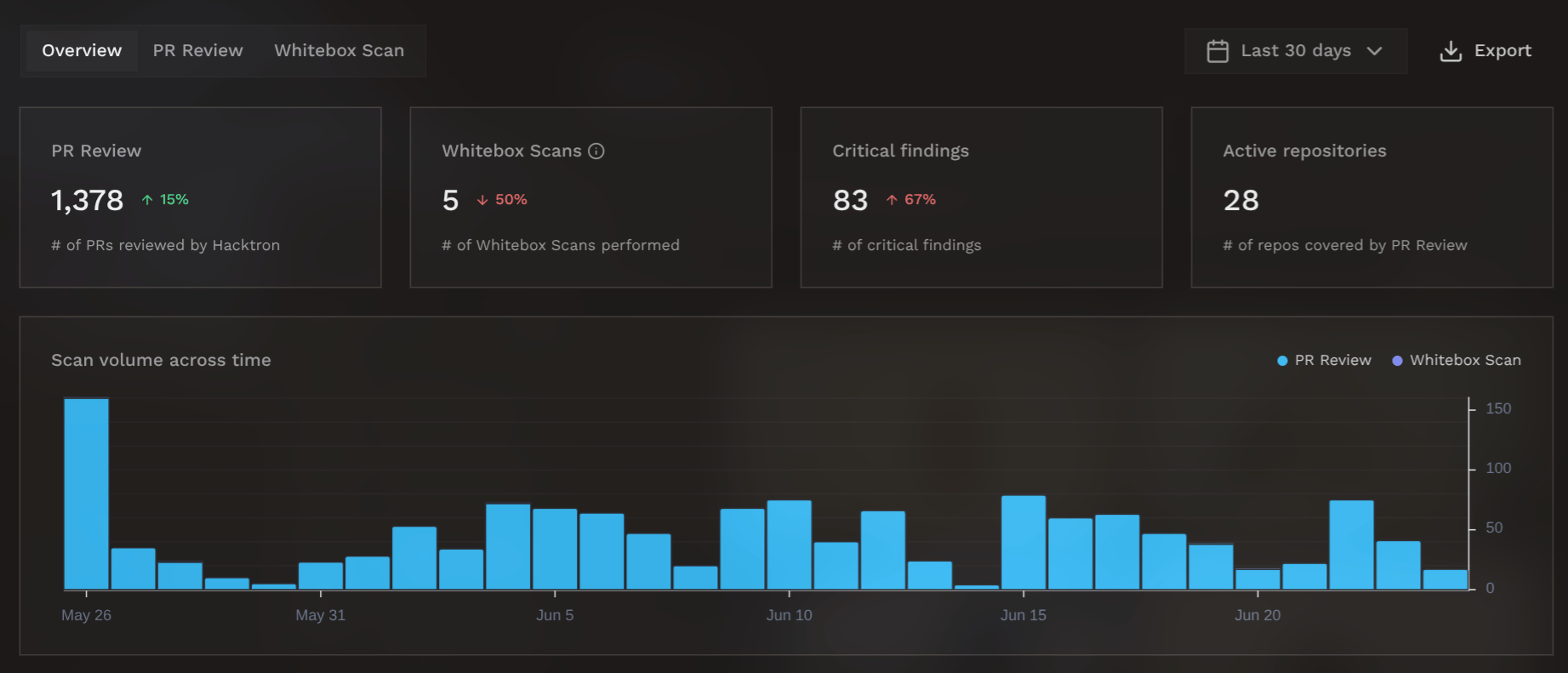
The dashboard is split into three tabs, so you can view the metrics that matter. In the top right corner of each tab, you can configure the time period of the data displayed, and download the data as a PDF report by clicking on Export.

Usage Overview

View statistics like scan volume, finding counts, and repository coverage at a glance.Dashboard overview
Resolution Health

From the settings page, you can configure SLA tresholds for remediating findings of different severities.SLA thresholdsThis is used to track your resolution health. Hacktron calculates your Mean Time to Resolution (MTTR), and the percentage of findings that are resolved within the SLA tresholds.Resolution health

Check gate

From the settings page, you can also set an org-wide Severity threshold.Severity threshold settings cardSee Fail the check on findings for details and per-repository overrides.

Next steps

Findings and feedback

See where findings are posted and how triage improves reviews.

Integrations

Connect your project management, communication, and other tools to Hacktron.