

Prerequisites
- At least one connected repository.
- You must be an organization admin to create, edit, or delete applications.
Create an application
1
Open Context
In Hacktron, go to Context and select the Applications tab.
2
Create the application
Click New application, enter a name, and select the repositories that belong to the application.A repository can belong to one application at a time.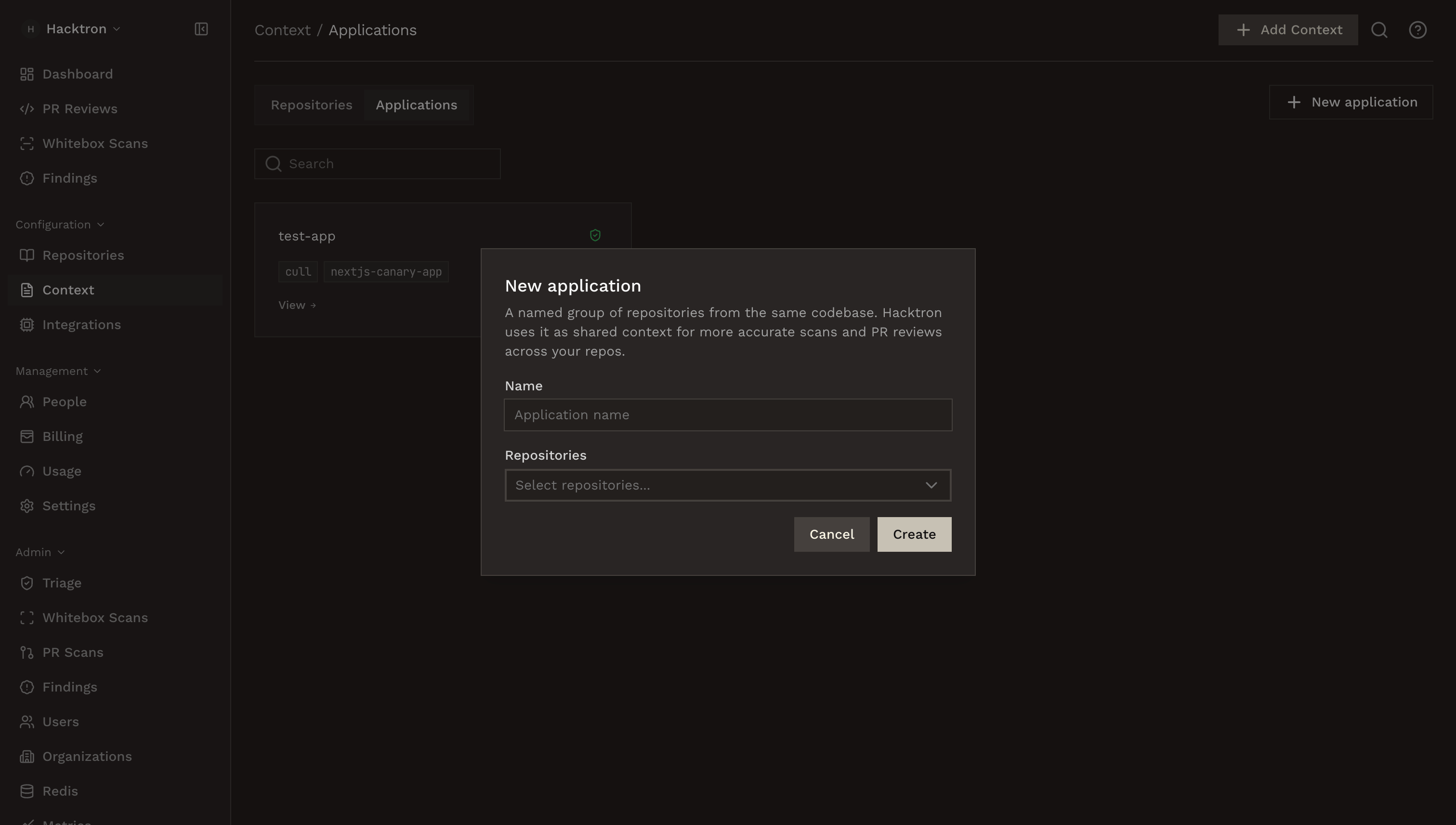
3
Add application context
Open the application and click Add Context to upload shared product-level documents.
4
Generate the application threat model
Click Generate to create the application threat model.
Application threat model
Learn how application threat models are generated and refreshed.
Editing and history
Learn how to edit and view the history of application threat models.
What belongs in an application
Group repositories that form one product boundary or security boundary. Good examples:- A web frontend, API server, background worker, and infrastructure repo that ship together.
- Several services that share authentication, authorization, tenant isolation, or sensitive data flows.
- A monorepo split into deployable components that should be reviewed as one application.
Manage repositories
Open an application from Context → Applications to view its member repositories. Use Edit Application to rename it or change repository membership. If you remove a repository from an application, the repository remains connected to Hacktron and can still be managed from Repositories and Context → Repositories. To delete the application, select Edit Application, then Delete application.Best practices
Application context is best for information that applies across the application:- Cross-service trust boundaries.
- Shared authentication or authorization assumptions.
- Tenant or workspace isolation rules.
Next steps
Threat models
Learn how application threat models are generated and refreshed.
Repositories
Connect and enable repositories before grouping them into applications.