

Prerequisites
You need to be an administrator of the Azure DevOps organization you want to connect to Hacktron. This is required to create a Personal Access Token with the scopes Hacktron uses to read code, post pull request statuses, and register the service hooks that trigger reviews.Configure access
1
Open Personal Access Tokens
In Azure DevOps, open User settings (the icon next to your avatar in the
top right) and select Personal access tokens.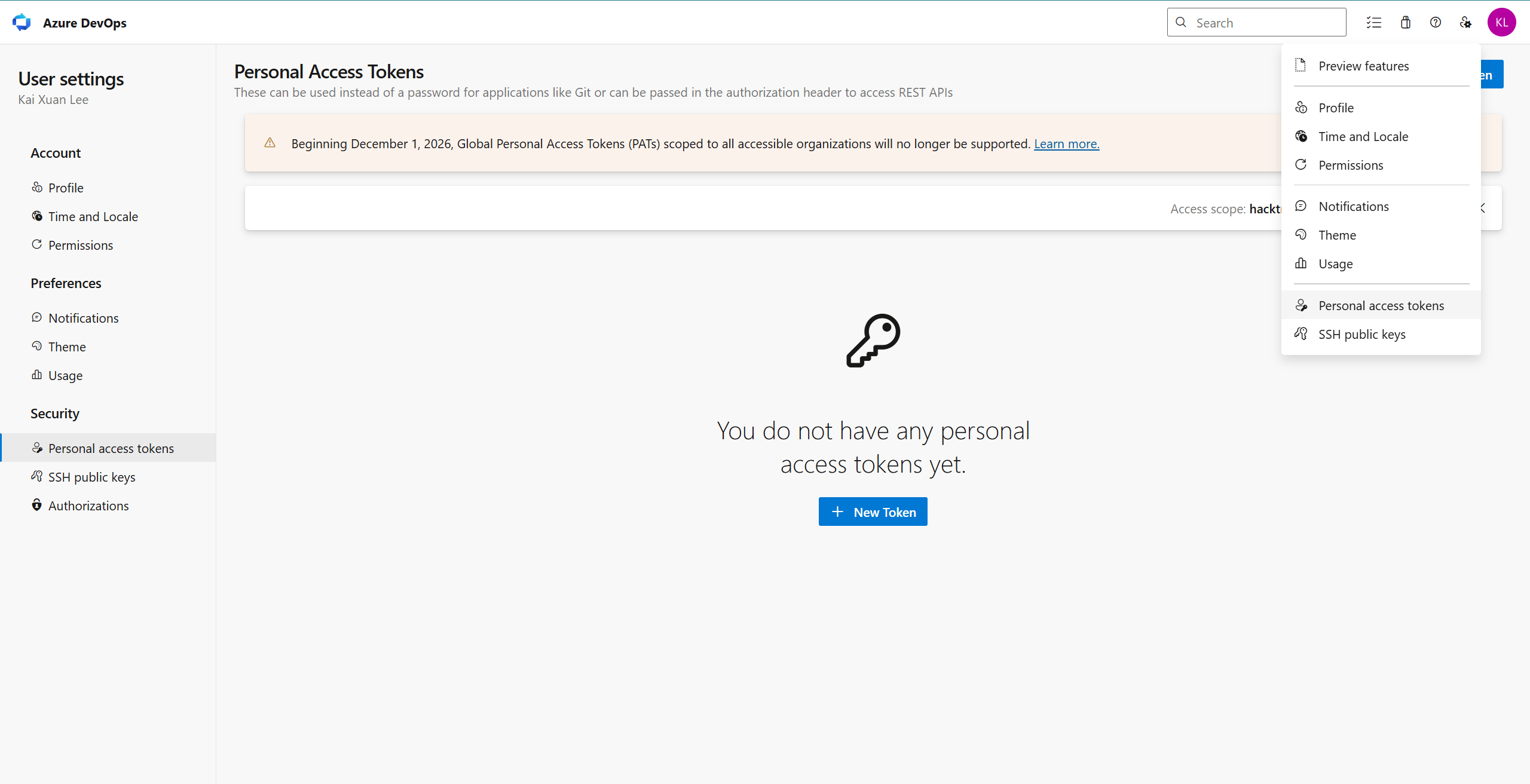
2
Create a new token
Click New Token. Give it a descriptive name, e.g. “Hacktron”, and select
the organization you want to connect.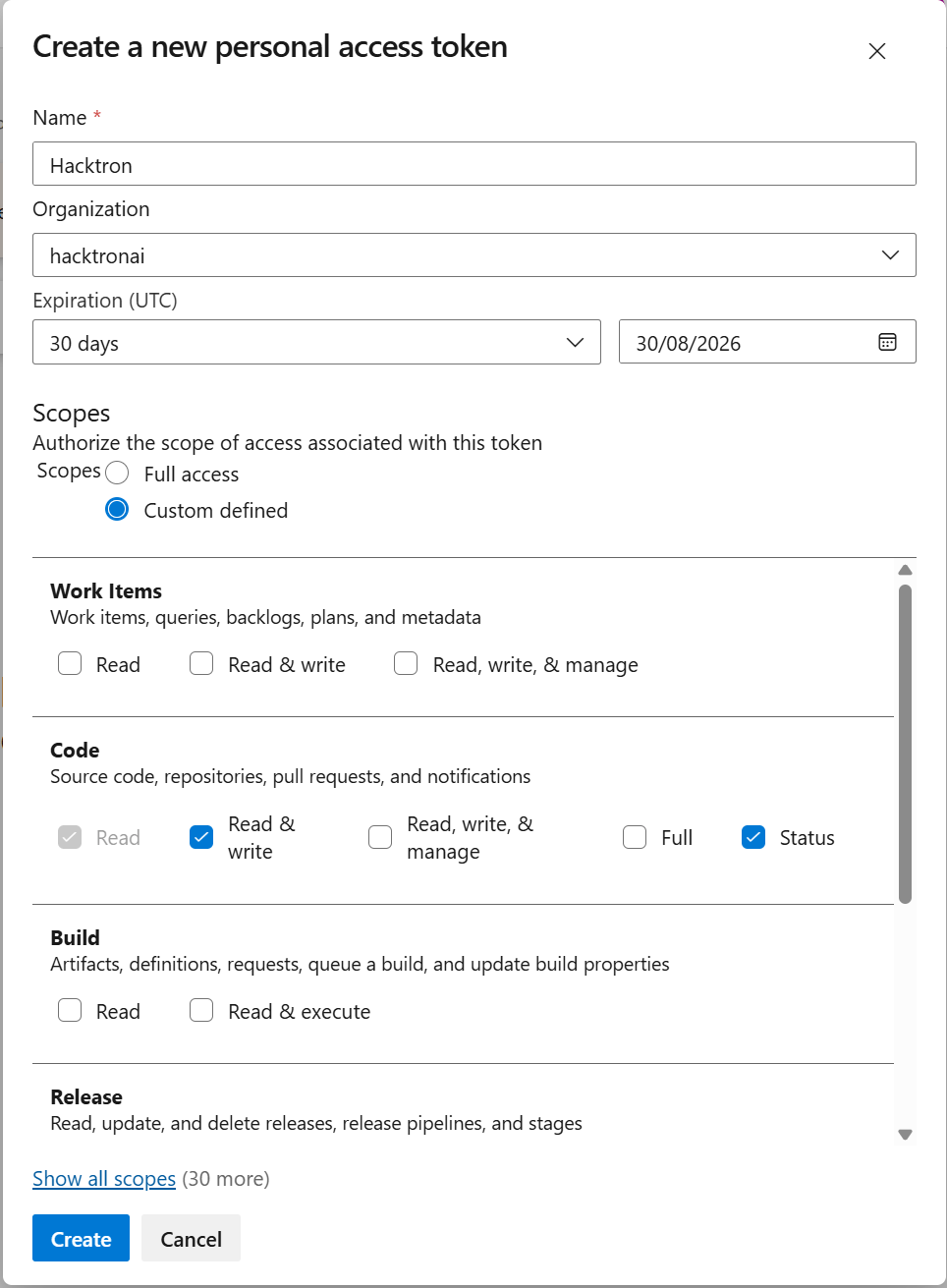
3
Grant the required scopes
Switch the scope selector to Show all scopes and grant the following:
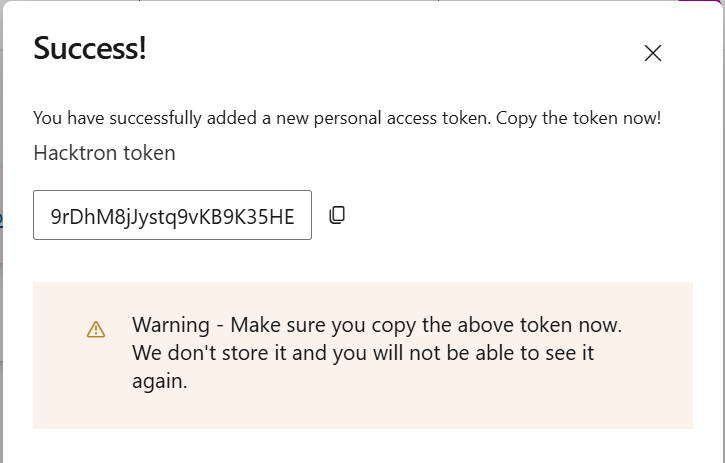
- Code - “Read & write” and “Status”
- Project and Team - “Read”
- Service Connections - “Read, query & manage”
- Identity - “Read”
The “Read & write” Code scope lets Hacktron clone repositories and post
review comments; “Status” lets it report pull request check results. The
Service Connections scope lets Hacktron register the service hooks that
notify it when a pull request is opened or updated, so reviews run
automatically. Hacktron does not retain any source code after each review
is complete.
4
Open Integrations page
In Hacktron, go to Integrations and click Connect under Azure
DevOps.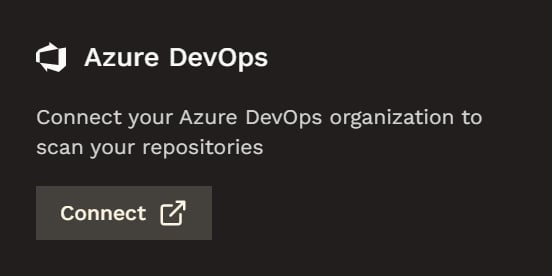
5
Enter the token
Enter your organization URL (e.g. https://dev.azure.com/hacktronai) and the token you created earlier, and click Connect.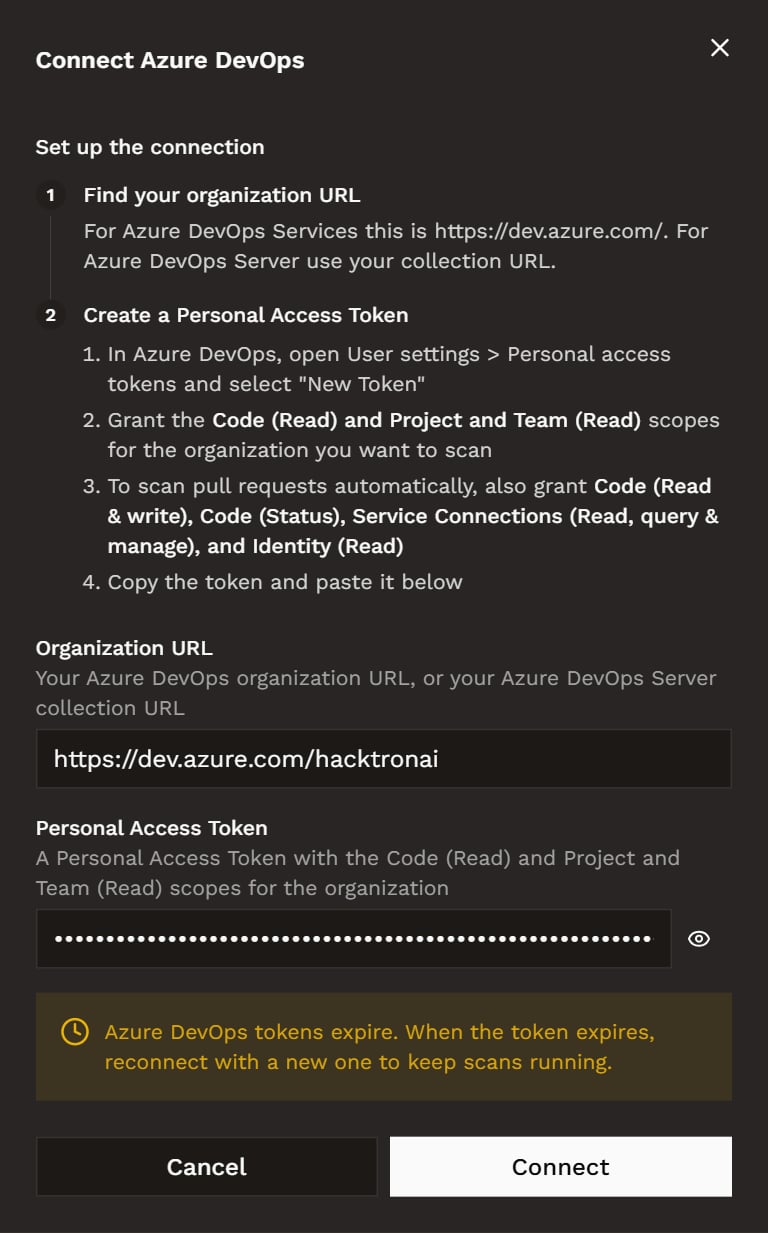
6
Select your repository scopes
Select the repositories that you want Hacktron to have access to.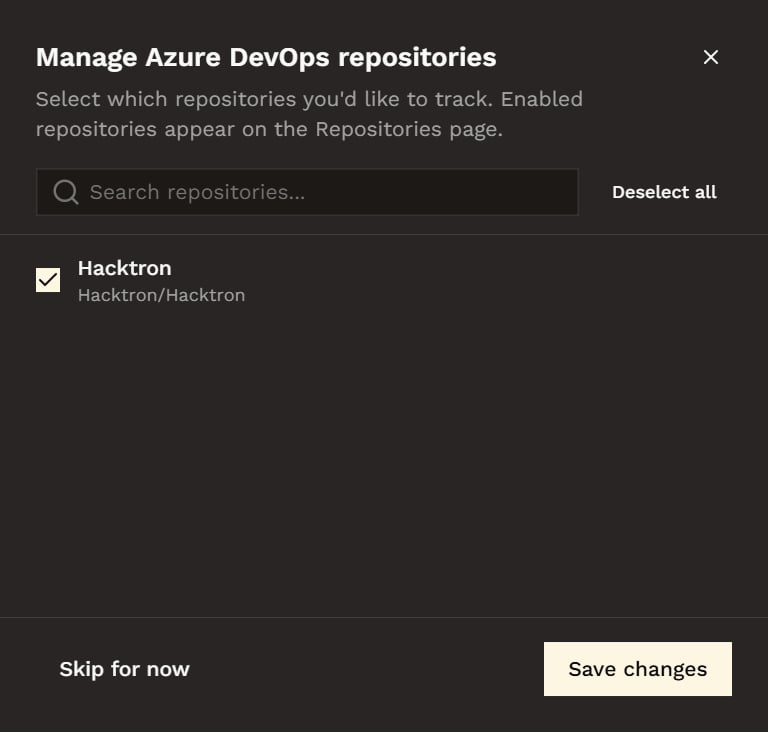
Link member accounts for PR attribution
The organization-level connection lets Hacktron access repositories and receive pull request events. Members who author Azure DevOps pull requests should also link their Microsoft account so Hacktron can attribute those pull requests to the correct Code Review seat. Go to Personal settings, find Microsoft under Connected accounts, and select Connect. Sign in with the Microsoft account whose email matches your Azure DevOps user principal name (UPN).Connect your Microsoft account
Follow the account-linking steps and check the email requirement.
Azure DevOps Server
Hacktron supports self-hosted Azure DevOps Server through the same Personal Access Token flow described above. The only difference is one extra step when you connect. Follow the same Configure access steps to create a Personal Access Token with the same scopes on your Azure DevOps Server instance. When you open the Connect Azure DevOps modal in Hacktron, select Azure DevOps Server and enter your instance’s base URL and organization (e.g.https://azuredevops.example.com/DefaultCollection) as well.
Self-hosted prerequisites: - Your Azure DevOps Server instance must be
reachable from Hacktron over HTTPS with a valid TLS certificate. - The token
must carry the same scopes listed above on your Azure DevOps Server instance.