

Prerequisites
You need to be a Hacktron organization admin to configure repositories. You also need permission to connect your Git provider. For more details, choose your Git provider below.Configure Code Review
1
Connect a Git provider
Open Integrations and connect GitHub, GitHub Enterprise Server, GitLab, Azure DevOps, or Bitbucket.
GitHub
Install the Hacktron GitHub App for GitHub.com repositories.
GitHub Enterprise Server
Connect a self-hosted GitHub Enterprise Server instance.
GitLab
Connect GitLab through a service account and personal access token.
Azure DevOps
Connect Azure DevOps Services or Server to review pull requests.
Bitbucket
Connect Bitbucket Cloud through a repository administrator account.
2
Enable repository coverage
Open repositories and choose which repositories should receive pull request or merge request reviews.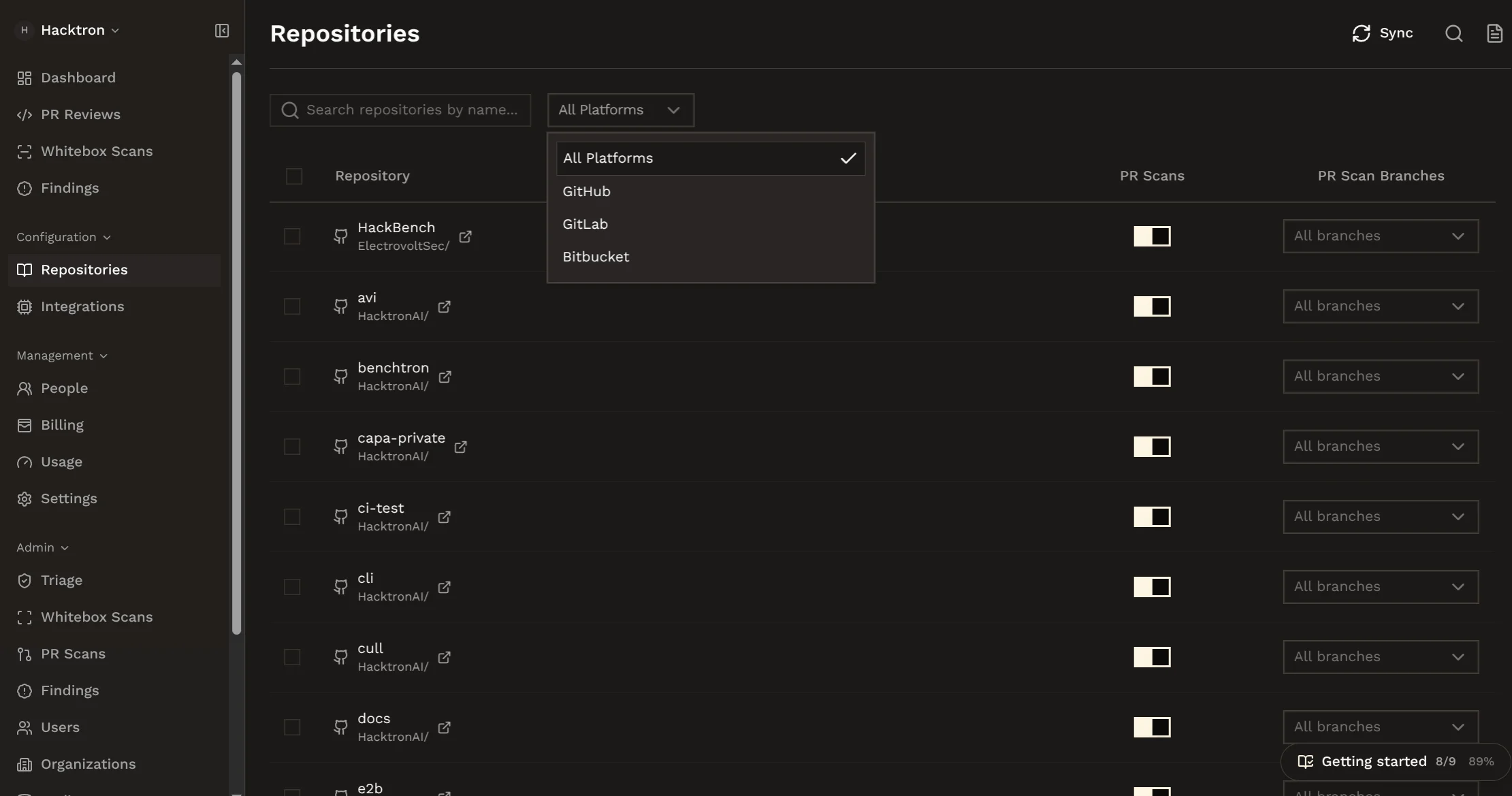
3
Choose covered branches
Hacktron reviews all branches by default. Restrict this org-wide in
Organization settings, or
per repository via
exclude.branches / include.branches in
.hacktron/config.yaml. See Repository
configuration for the syntax.4
Trigger your first review (optional)
Go to an existing pull request or merge request and comment
@hacktronai review.This will trigger a Hacktron security review for the pull request or merge request immediately.Billing and usage
Code Review requires an active trial or paid subscription before reviews can run. Every organization gets a 14-day free trial.Start a free trial
Start a 14-day free trial and manage your subscription.
Manage usage
Manage pooled review limits and overage usage.
Common checks
- If setup was skipped during onboarding, connect the Git provider before expecting reviews to run.
- If a repository does not appear, confirm that the Git provider installation includes it.
- If a pull request is not reviewed, confirm that the repository is enabled and the target branch is covered.
- If review capacity is unavailable, check Billing and Usage.