

What you will see first
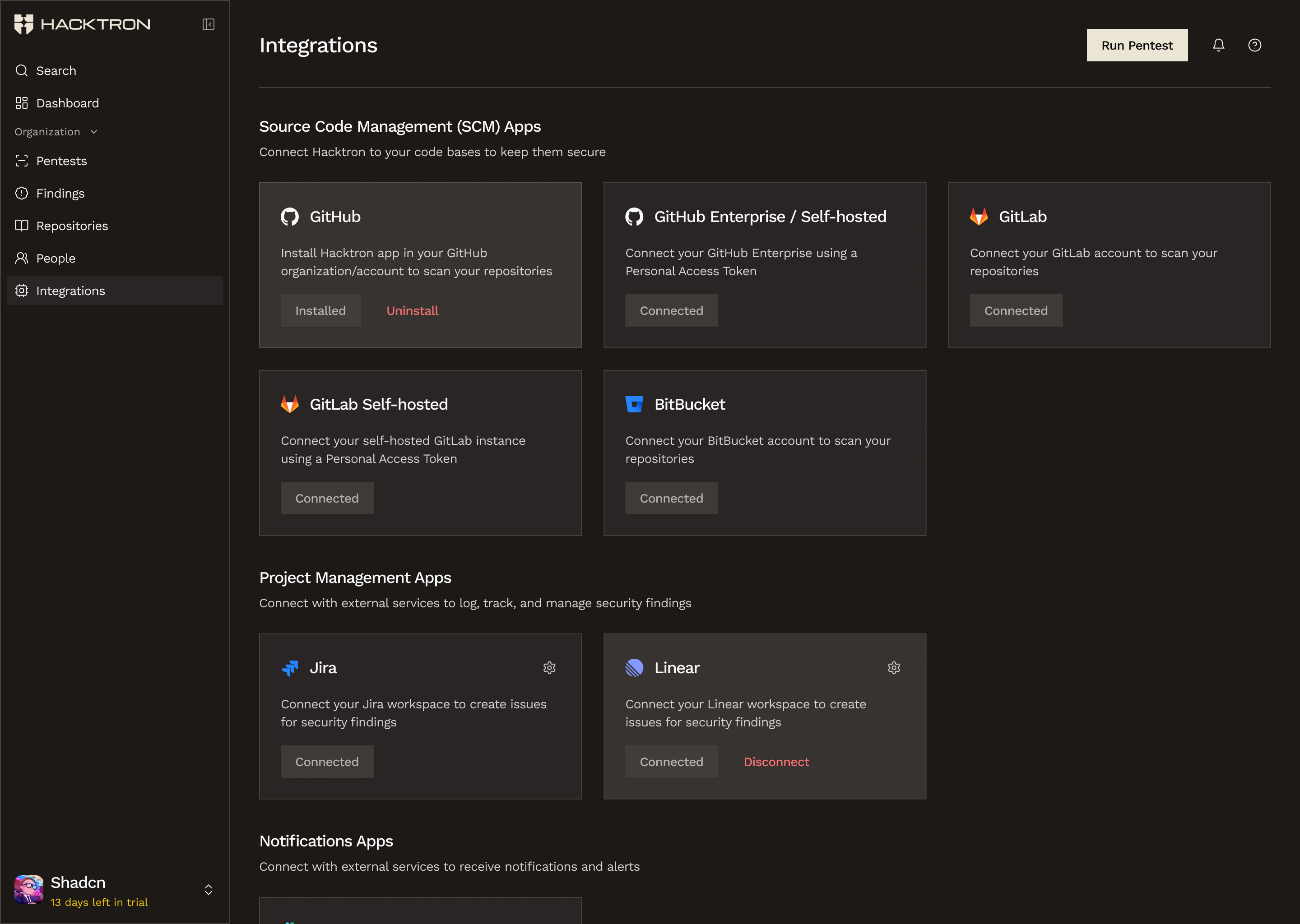
Most teams start in Integrations, then move through repositories, people, billing, and pentests as they roll Hacktron out.
- If you are setting up a new organization, you will be asked whether you are here By myself or With my team.
- Choose By myself if you want the individual path for the CLI and VS Code extension. Choose With my team if you want shared setup, collaboration, and pull request scanning.
- If you were invited, you do not need to go through onboarding. You sign in or create an account, then join the organization directly.
- If you arrived from
hacktron login, you may need to sign in first and then continue from there.
Who the Platform is for
The Platform is for shared, organization-level work. This is where seats and access are managed for the organization.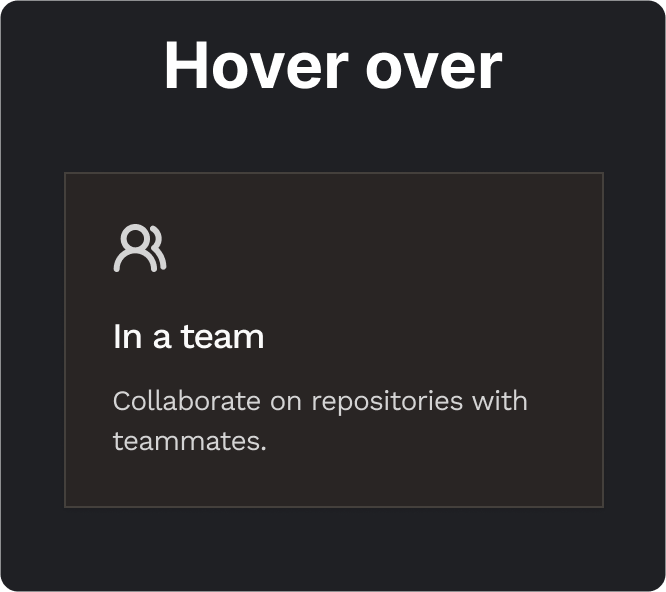
Use the Platform for shared setup across the organization, including continuous code reviews across repositories, pentests, teammates, and centralised billing.
Initial setup
One common way to get started is:- Connect GitHub in Integrations
- Open Repositories and choose where Hacktron should run
- Use People to check who can access the organization and what role they have
- Use Billing if an owner needs to add payment information, manage seats, or buy credits
- Use Pentests when you want a larger scoped assessment
Pages overview
The Platform is split into a few key pages:- Integrations connects GitHub and other supporting tools
- Repositories decides where Hacktron should actually run
- People controls who has access
- Billing manages seats, credits, and shared budgets
- Pentests is for larger, scoped assessments beyond day-to-day review
Code Reviews
Learn how to connect repos and get PR reviews running.
Billing & Access
See how people, roles, seats, and credits fit together.
Pentests
Run scoped pentests with shared organization credits.