

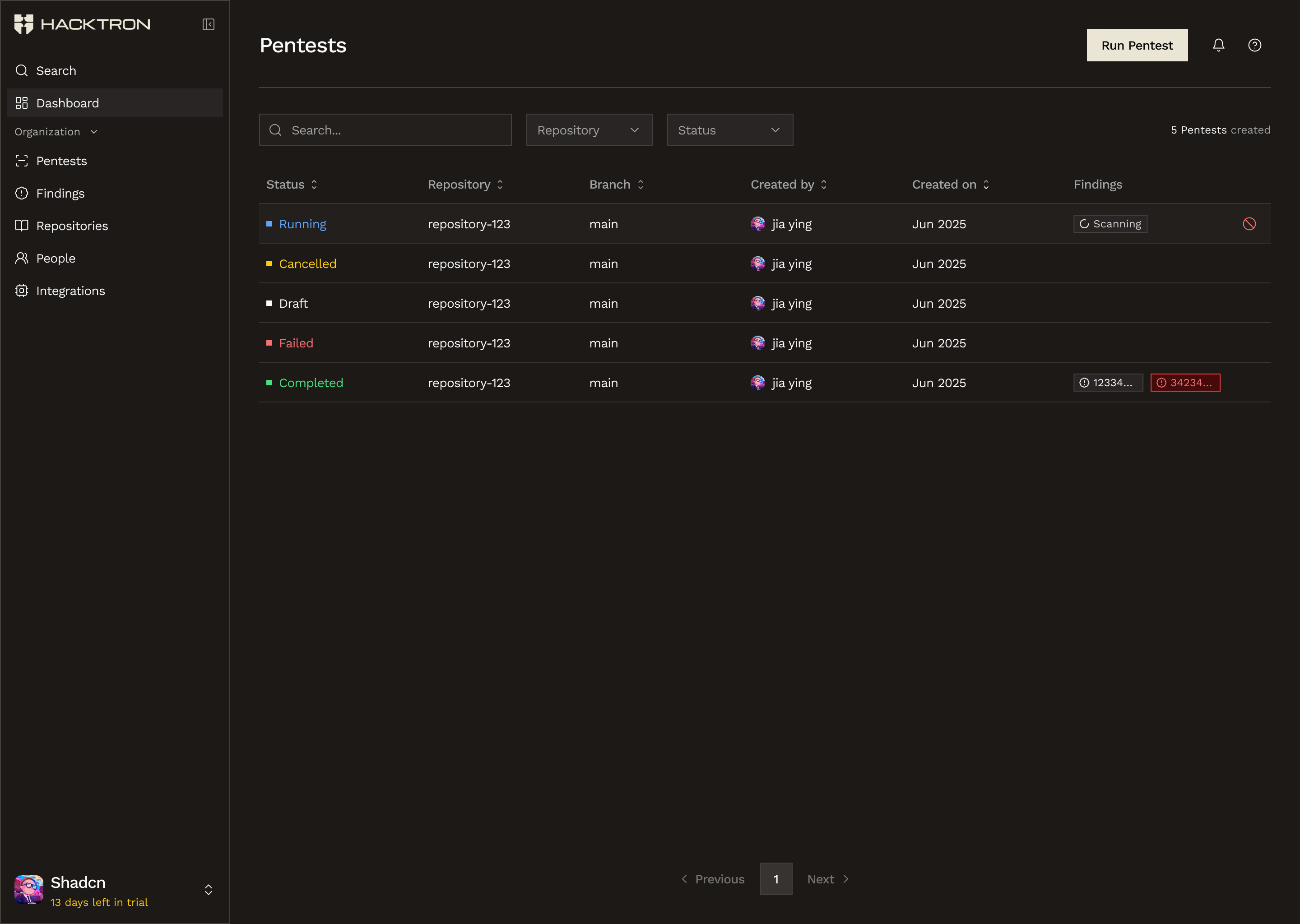
The Pentests page gives your organization one shared place to start, track, and review pentest runs.
Before you start
Before you start, gather:- The repository or application you want assessed
- The target URLs
- Any sign-in or access instructions
- A short note about the areas you want Hacktron to focus on
What happens when you start one
Starting a pentest is a guided flow:- Choose the repository
- Define the target URLs
- Provide access instructions
- Select a coverage plan
- Review the scope
- Confirm checkout against pentest credits
Who can start one
Pentests use shared organization credits, so only organization owners can start one right now.How credits work
- Credits are shared across the organization
- Credits are deducted when a pentest starts
- If there are not enough credits, Hacktron prompts the requester to ask an organization owner to top up first
What you will see in the page
The Pentests page shows each run with a status such as:- Draft
- Running
- Completed
- Failed
- Cancelled
Relationship to code reviews
Use Code Reviews when you want ongoing pull request coverage on connected repositories. Use Pentests when you want a broader assessment with shared credits and owner-controlled start permissions.Overview
See how pentests fit into the broader Platform workflow.
Billing & Access
See how pentest credits and permissions are managed.