

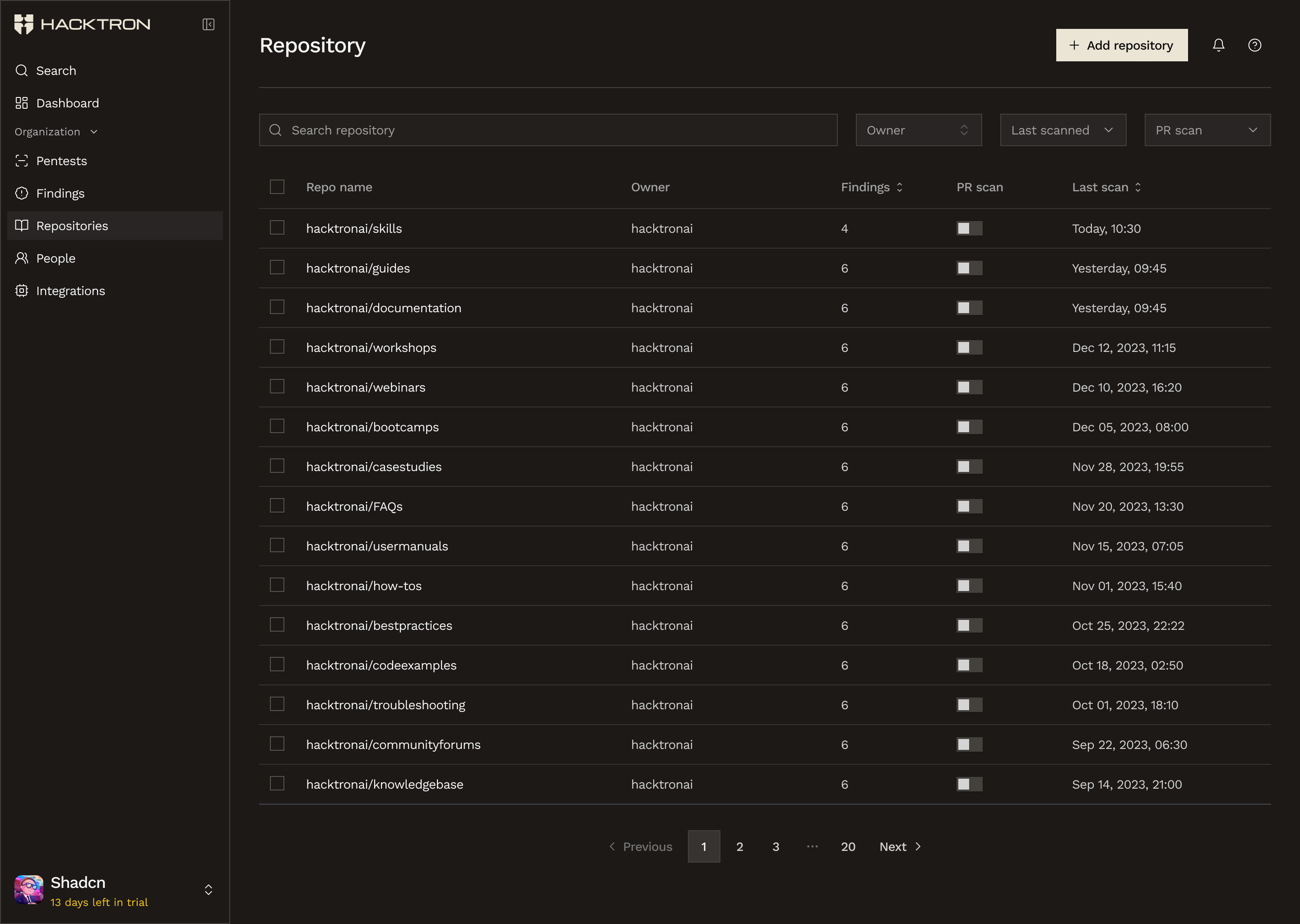
Use the Repositories page to choose where Hacktron should run and to confirm that your repositories are synced correctly.
What enabling code reviews does
After GitHub is connected, turn coverage on from the Repositories page. You can choose to cover PRs across all branches, or only to specific branches. If a repository is enabled and a PR is made, Hacktron checks if the PR’s target branch is configured. If it is, Hacktron reviews the PR. Hacktron comments on the PR with the vulnerabilities it finds, and provides quicklinks to fixing them with AI.How to get started
- Connect GitHub in Integrations
- Open Repositories and choose which repositories should be covered
- For each repository, choose which branches should be covered
- Let your team keep working in PRs as usual
- Review coverage and findings from the dashboard
If a PR is not being reviewed
Check these first:- GitHub is connected in Integrations
- The repository is enabled in Repositories
- The organization still has review capacity available
During the trial
For a new organization:- The free trial lasts 14 days
- The trial begins when any organization owner adds payment information in Billing
- During the trial, Dev seats auto-assign as developers open PRs
Billing & Access
See how roles, seats, and billing affect code review access.
Pentests
Use pentests for broader scoped assessments beyond PR review.