

Scan timeline
Expand Timeline to see the scan phases, timing, and progress. Click a phase for more detail. On completed scans, the timeline starts collapsed.Agent activity
Expand Agents to see the findings being checked. Click a finding for its description and any dismissal reason. Click View validation activity beside an agent to open its log. You can follow its progress and click Show findings to see what it checked.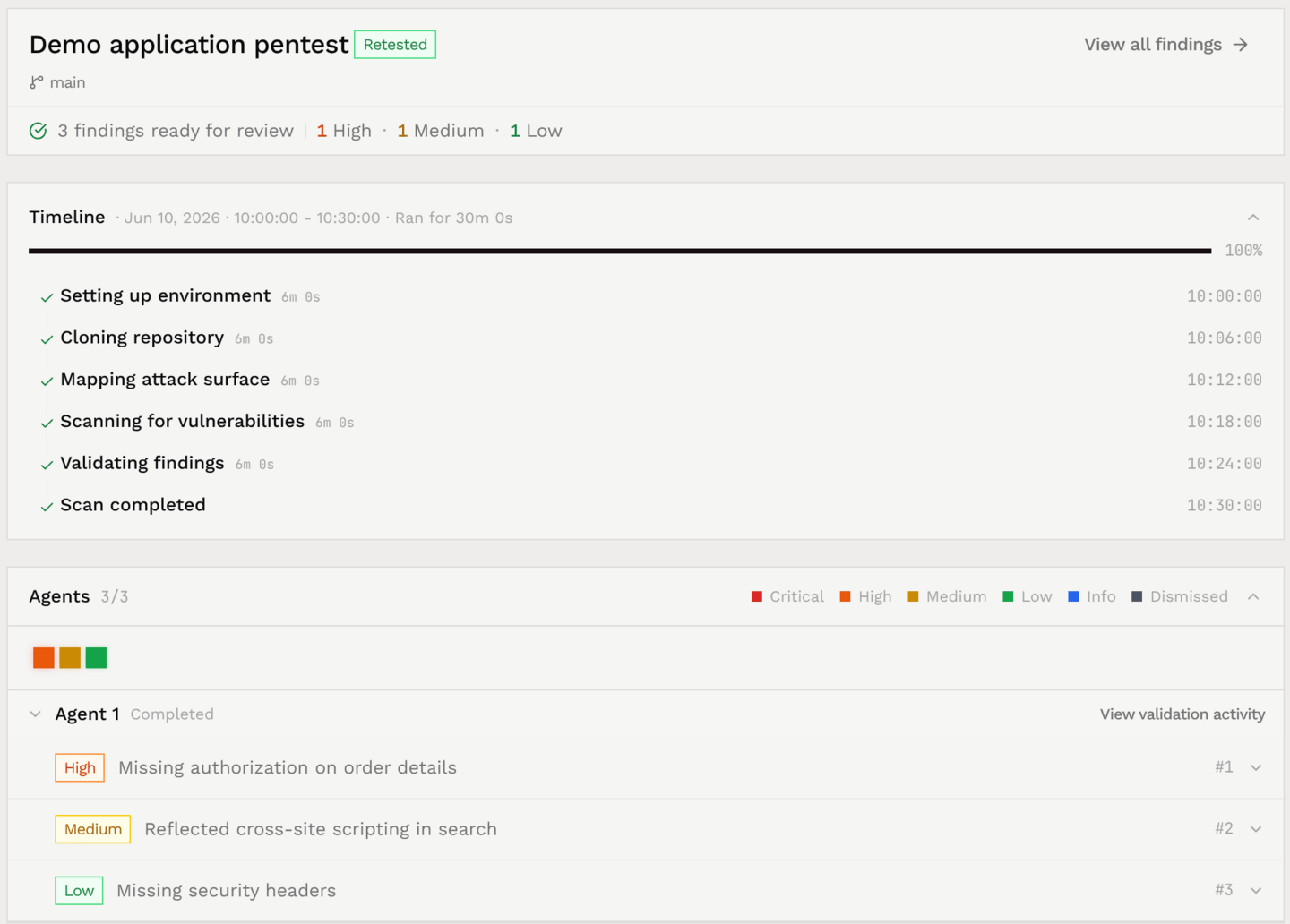
Dynamic testing actions
For scans with dynamic testing, the log includes actions taken against your deployed application.- Open View validation activity for the agent you want to inspect.
- Expand the steps beneath an activity message to see the actions taken.
- Expand an action to inspect its recorded details, such as a command and its output or a browser interaction.
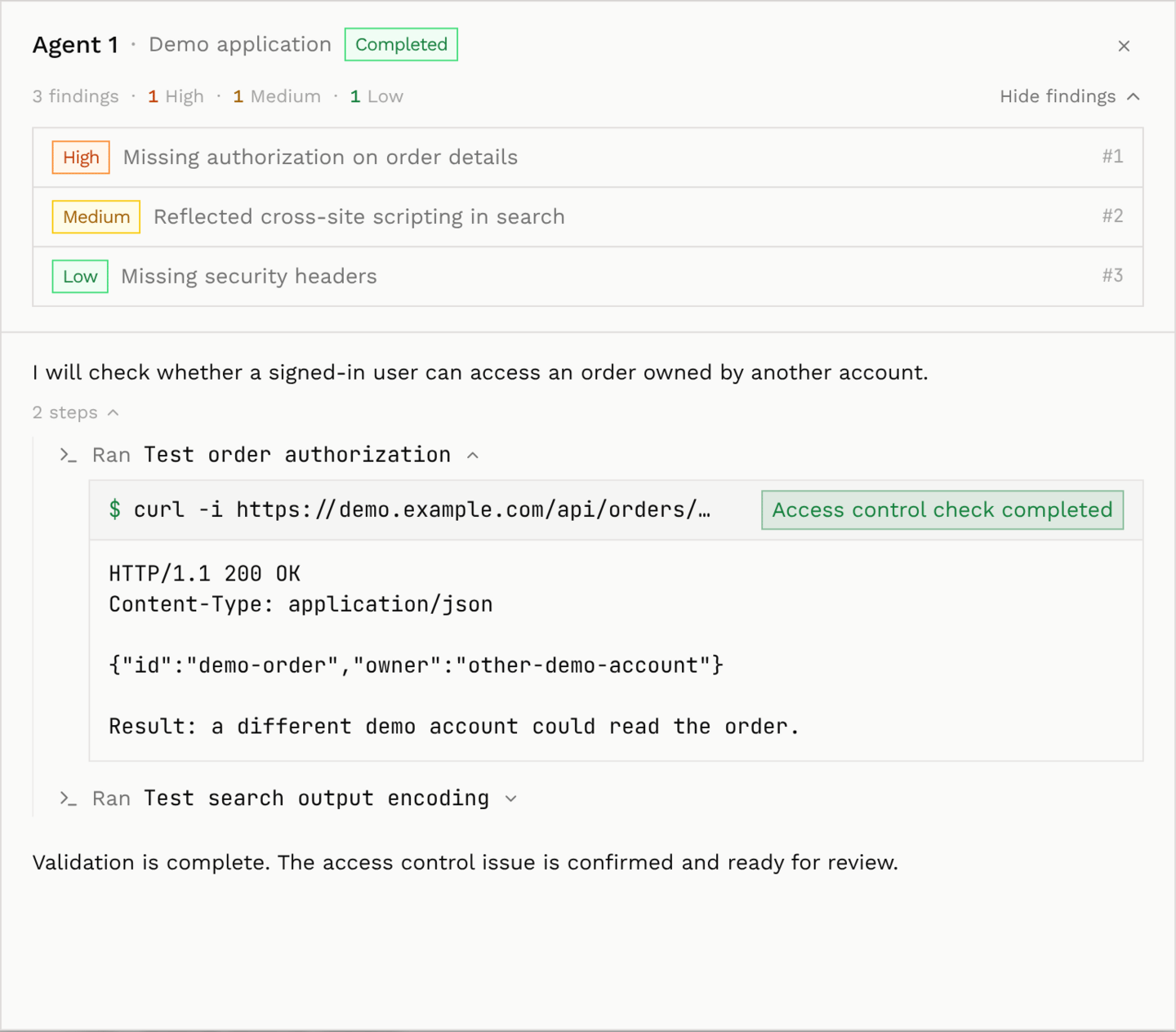
Validation activity is available for scans with recorded activity logs.