

Why use BYOK
- Use models and provider access managed by your team
- Keep your editor workflow aligned with your own LLM accounts
- Configure access without leaving the extension
In the extension
Open the Hacktron settings in VS Code, Cursor, or Windsurf to configure your keys. First, add the model provider you want to use from the extension settings.
Add a model provider directly from the Hacktron extension settings.
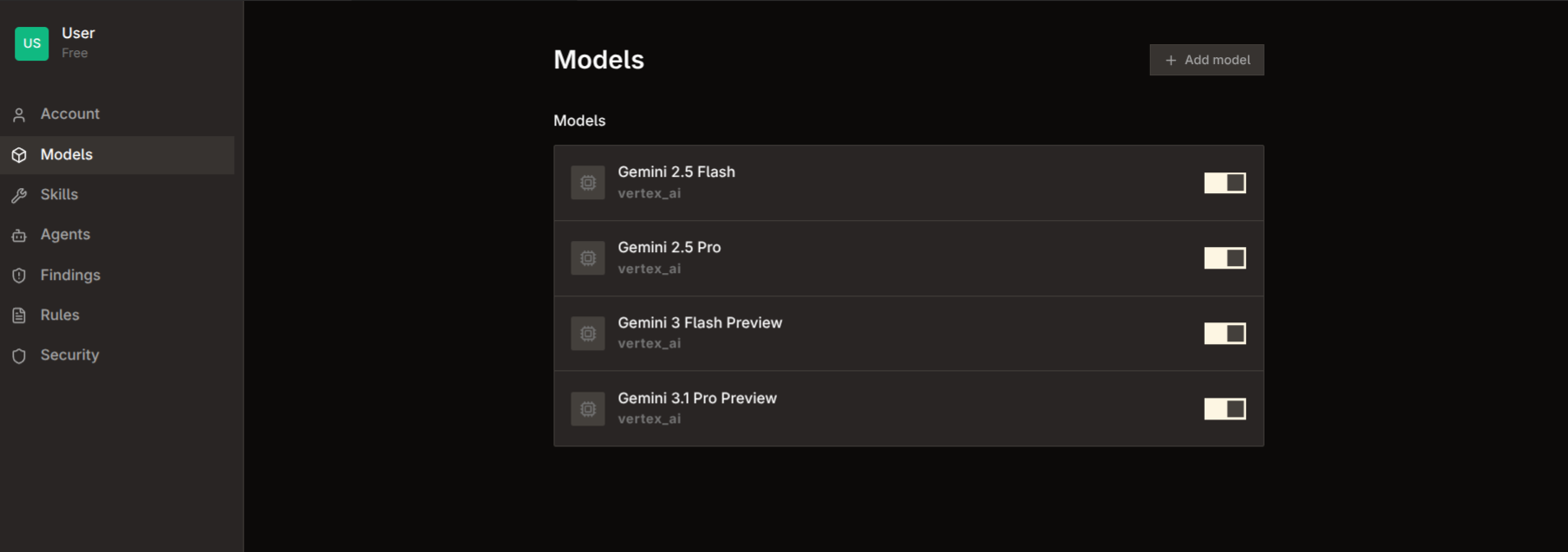
Configure the provider and model settings without leaving your editor.