> ## Documentation Index
> Fetch the complete documentation index at: https://docs.hacktron.ai/llms.txt
> Use this file to discover all available pages before exploring further.
# Threat models
> Understand how Hacktron builds repository and application threat models from code, documents, and triage feedback.
Threat models are living Markdown documents that Hacktron maintains as durable security context.
They capture the system model, crown jewels, trust boundaries, security invariants,
confirmed vulnerability patterns, accepted risks, and recurring false-positive patterns.
Hacktron uses threat models to make Code Reviews and White-box Pentests more context-aware, and updates these
threat models over time.
Hacktron can [automatically create threat
models](/platform/context/overview#automatically-generated-context) from your
code and review activity. It does not automatically decide your application
groupings for you.
## Custom context documents
When you add or remove context documents, Hacktron tracks whether they have been incorporated into the relevant threat model.
Document statuses are displayed in the context document list:
| Status | Meaning |
| -------------- | ----------------------------------------------------------- |
| **Synced** | The document has been folded into the current threat model. |
| **Pending** | A sync is running for the target repository. |
| **Not synced** | The document has not been folded into the threat model yet. |
Uploaded documents are treated as a source of truth, and are prioritised over
Hacktron's own analysis. Ensure that the documents you upload manually are
accurate and up to date.
## Repository threat models
Hacktron builds and updates repository threat models from:
* The repository's code and maintainer-authored docs.
* Uploaded repository context documents.
* Triage feedback such as false positives and accepted risks.
* `.hacktron/rules.md`, when present.
Hacktron creates a repository's threat model automatically the first time a pull request is reviewed or as soon as you upload context documents for it. After that, it keeps learning from how you triage findings.
Open **Context → Repositories**, choose a repository, and select **Threat model** to view it.
If new documents have been manually added, the threat model needs to sync to include them. This usually happens automatically. To sync now, open the repository and select **Sync (number) pending**.
 ## Application threat models
An application threat model describes the threat model for a group of related repositories.
For example, a web frontend, backend microservices, and infrastructure repositories that interact with each other as part of the same product.
Hacktron synthesizes it from:
* The application's member repositories.
* Each repository's existing threat model.
* Uploaded application-level context documents.
* Cross-repository checks against the code, such as service-to-service calls, shared auth assumptions, and data-flow boundaries.
Open **Context → Applications**, choose an application, and select **Application threat model**.
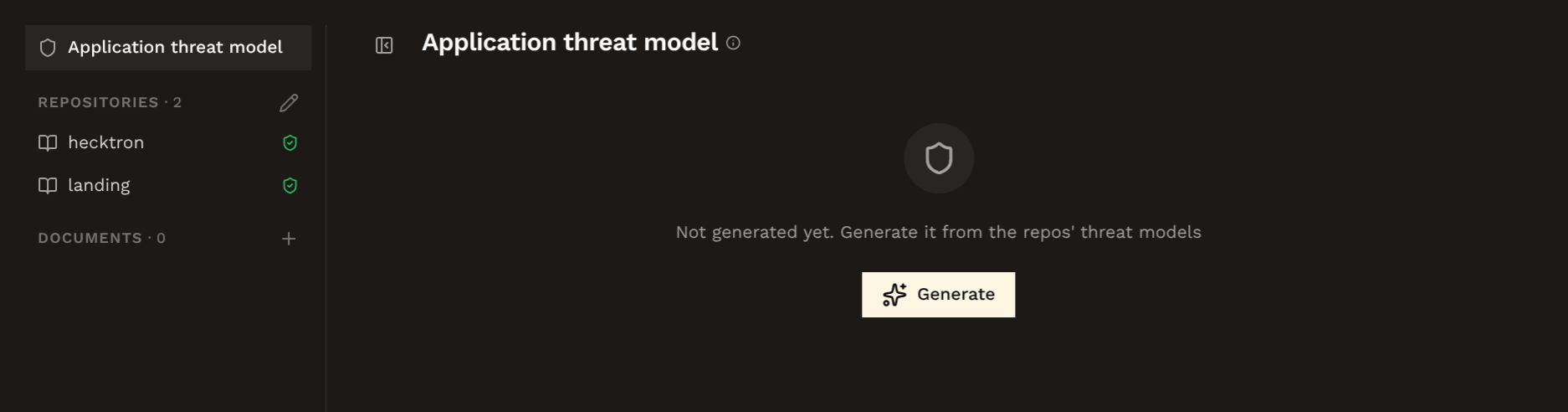
If no application threat model exists yet, click **Generate**.
If new documents have been manually added,
you can click on **Regenerate** to update the threat model with the new context.
## Application threat models
An application threat model describes the threat model for a group of related repositories.
For example, a web frontend, backend microservices, and infrastructure repositories that interact with each other as part of the same product.
Hacktron synthesizes it from:
* The application's member repositories.
* Each repository's existing threat model.
* Uploaded application-level context documents.
* Cross-repository checks against the code, such as service-to-service calls, shared auth assumptions, and data-flow boundaries.
Open **Context → Applications**, choose an application, and select **Application threat model**.
If no application threat model exists yet, click **Generate**.
If new documents have been manually added,
you can click on **Regenerate** to update the threat model with the new context.
 ## Editing and history
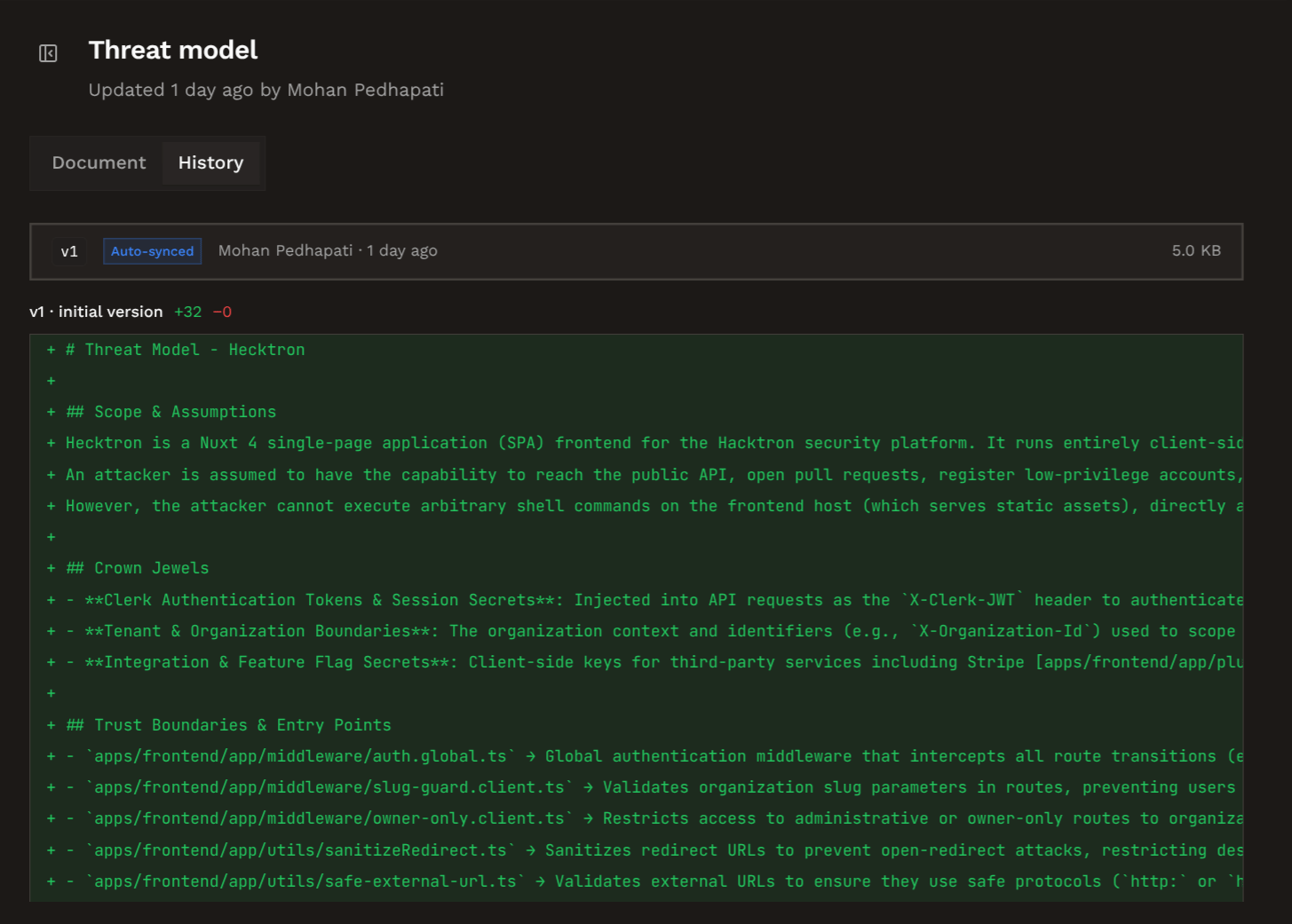
Threat models and context documents show a document view and a history view. Use history to review created, edited, auto-synced, and application-synthesis revisions.
## Editing and history
Threat models and context documents show a document view and a history view. Use history to review created, edited, auto-synced, and application-synthesis revisions.
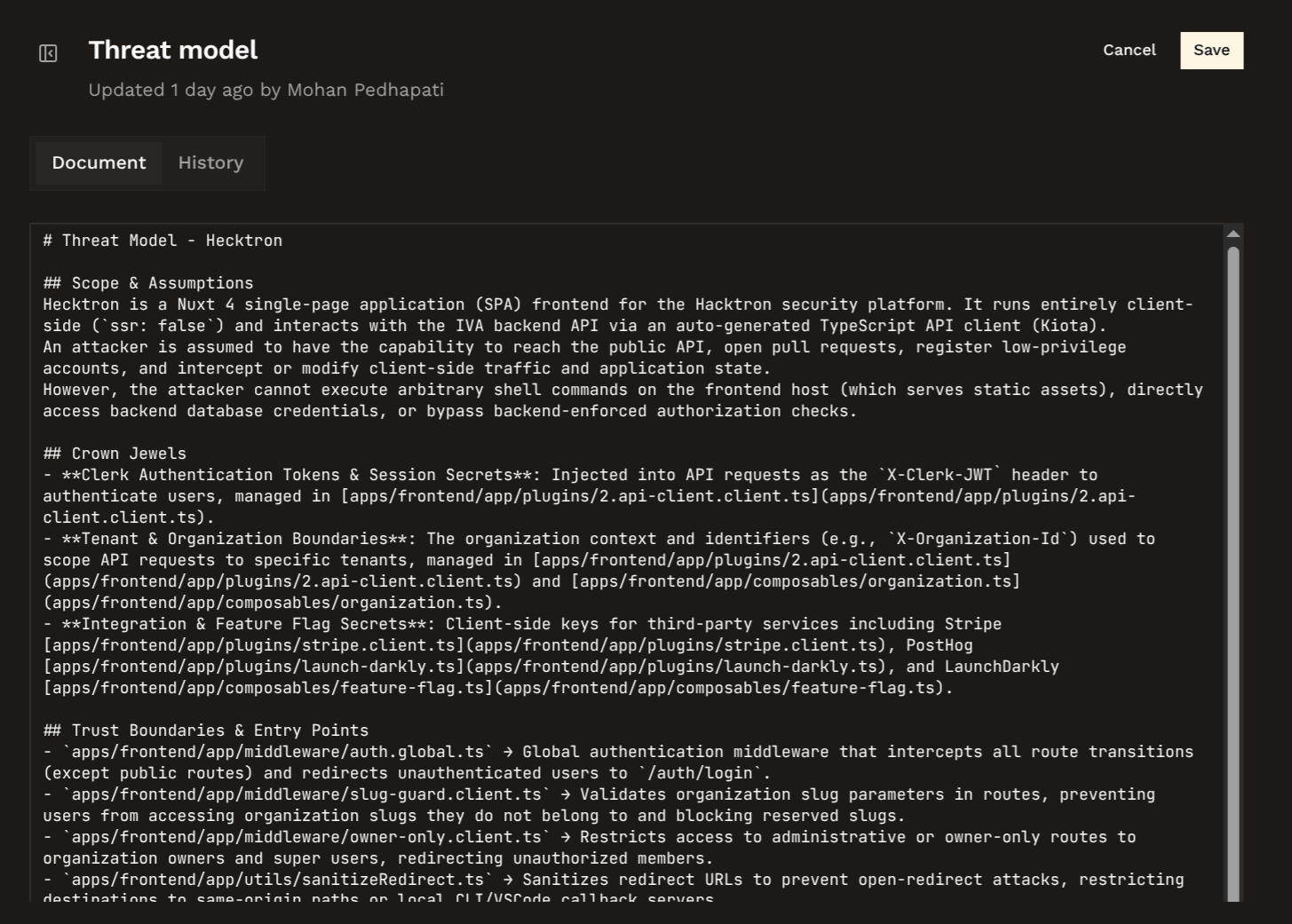
 When you manually edit a threat model, Hacktron treats your edited lines as maintainer-owned.
Later syncs and regenerations will not overwrite your edits.
When you manually edit a threat model, Hacktron treats your edited lines as maintainer-owned.
Later syncs and regenerations will not overwrite your edits.
 If you delete one of your own edited lines, Hacktron treats that deletion as intentional and does not restore it on the next sync.
Manual edits should preserve durable security context. If a detail is
temporary or only useful for one scan, prefer a scan-specific note instead of
changing the threat model.
If you delete one of your own edited lines, Hacktron treats that deletion as intentional and does not restore it on the next sync.
Manual edits should preserve durable security context. If a detail is
temporary or only useful for one scan, prefer a scan-specific note instead of
changing the threat model.